One key, every vendor, full cost truth.
You can call OpenAI, Anthropic, Google or xAI directly — many teams start there. odnoga exists for the moment you need every model behind one API, every request metered to the end user who caused it, and every vendor charge provable.
Direct vendor connection vs odnoga
| Capability | Direct vendor API | odnoga |
|---|---|---|
| Integrations to maintain | One SDK, auth and error format per vendor | One OpenAI-compatible endpoint and one key |
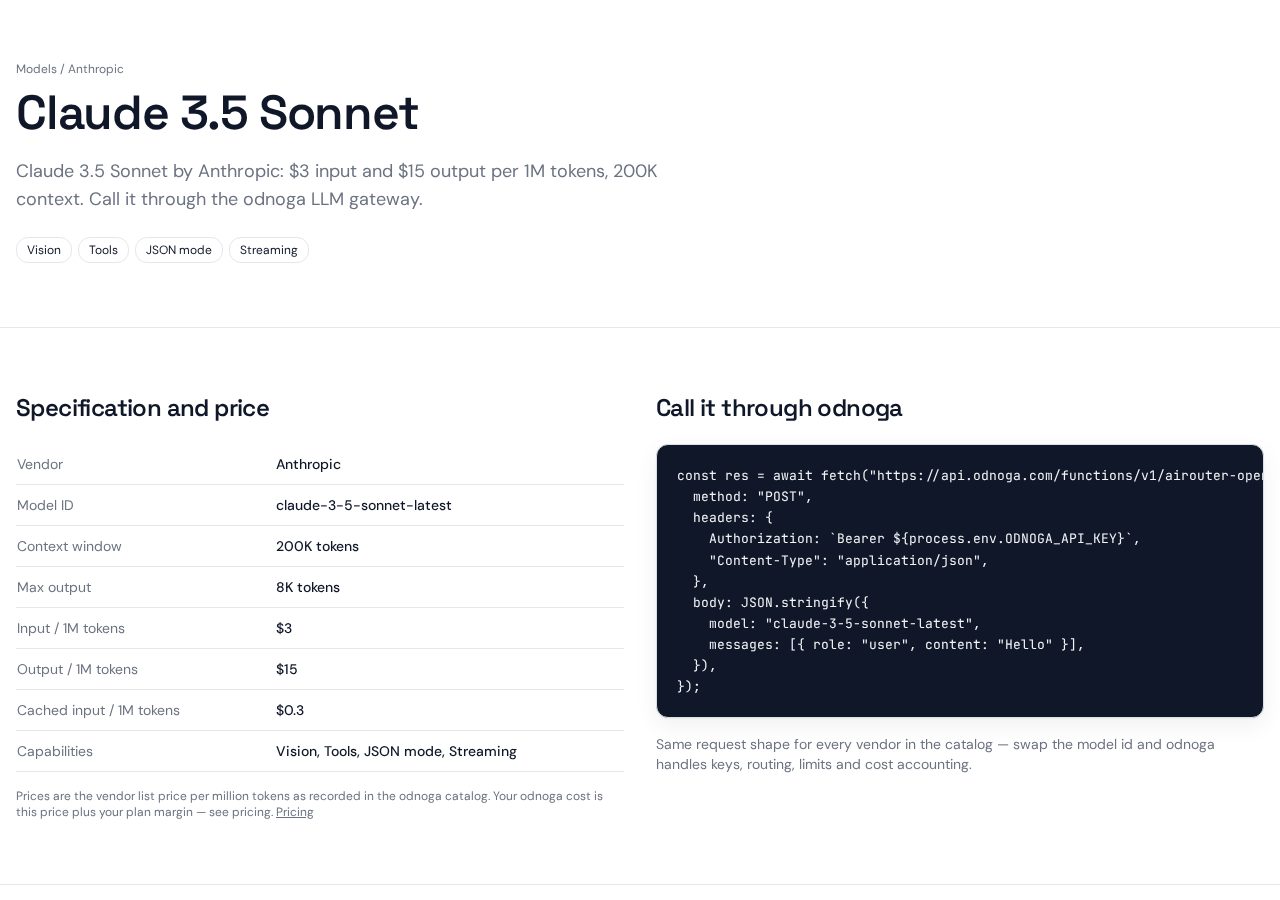
| Switching or adding a model | Code change and a deploy | Change one string — the model id |
| Cost per end user | You build metering and attribution yourself | Built in — one header, usage and cost follow the user |
| Budgets that stop spend | Vendor dashboards don’t cap your customers | Enforced per workspace, tenant and end user |
| Proof of vendor cost | You trust the monthly invoice | Vendor-reported billed cost stored per request where the vendor provides it |
| Prompt changes | Edit code, review, deploy | Versioned prompts with A/B routing and instant rollback |
| Caching | Vendor prompt caching only | Vendor caching plus an optional deterministic odnoga answer cache — you choose per call |
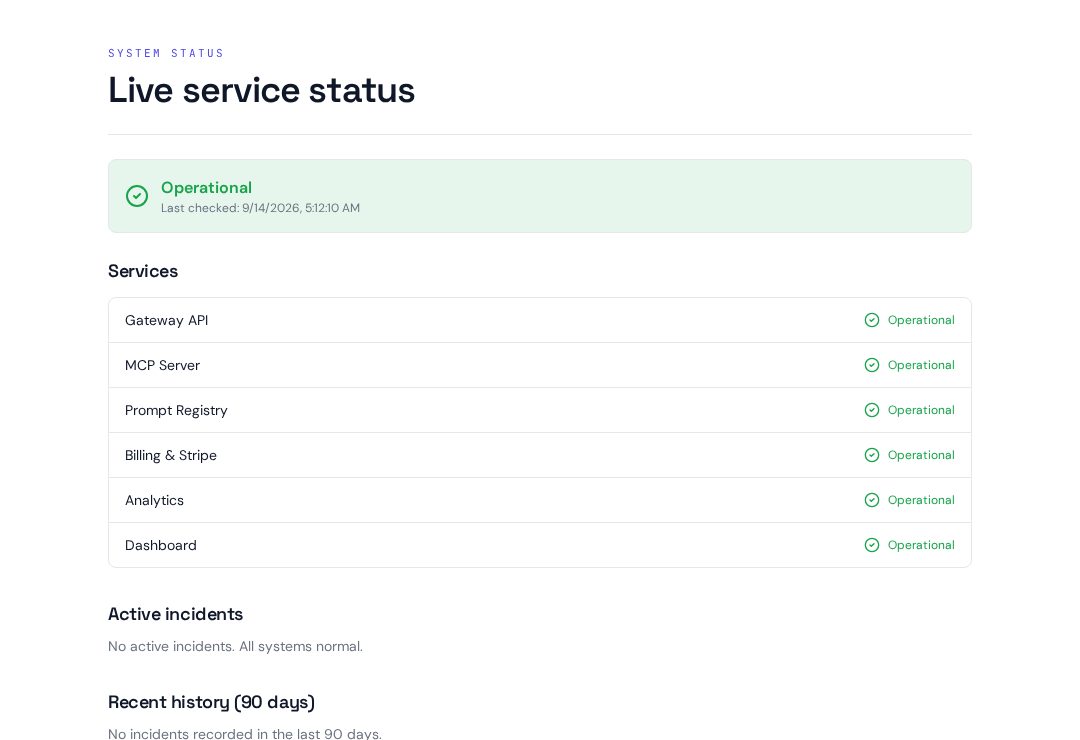
| Vendor outage | Your AI features are down | “auto” routing with fallback to another vendor |
| Accounts and invoices | N vendor accounts, N invoices, N pricing pages | One consolidated Stripe invoice across every vendor |
| EU posture | You assess and configure each vendor alone | EU/US routing options, GDPR docs and AI Act package included |
When going direct is the right call
A direct connection is one less hop and one less party in your data path. If you have a hobby project, a single-model app, or no need to bill your own users for AI, going direct is simpler — and we’d rather tell you that than sell you overhead. odnoga starts paying for itself when you add a second model, a second customer to bill, or a compliance question you can’t answer with a vendor invoice.
Live screens, not mockups
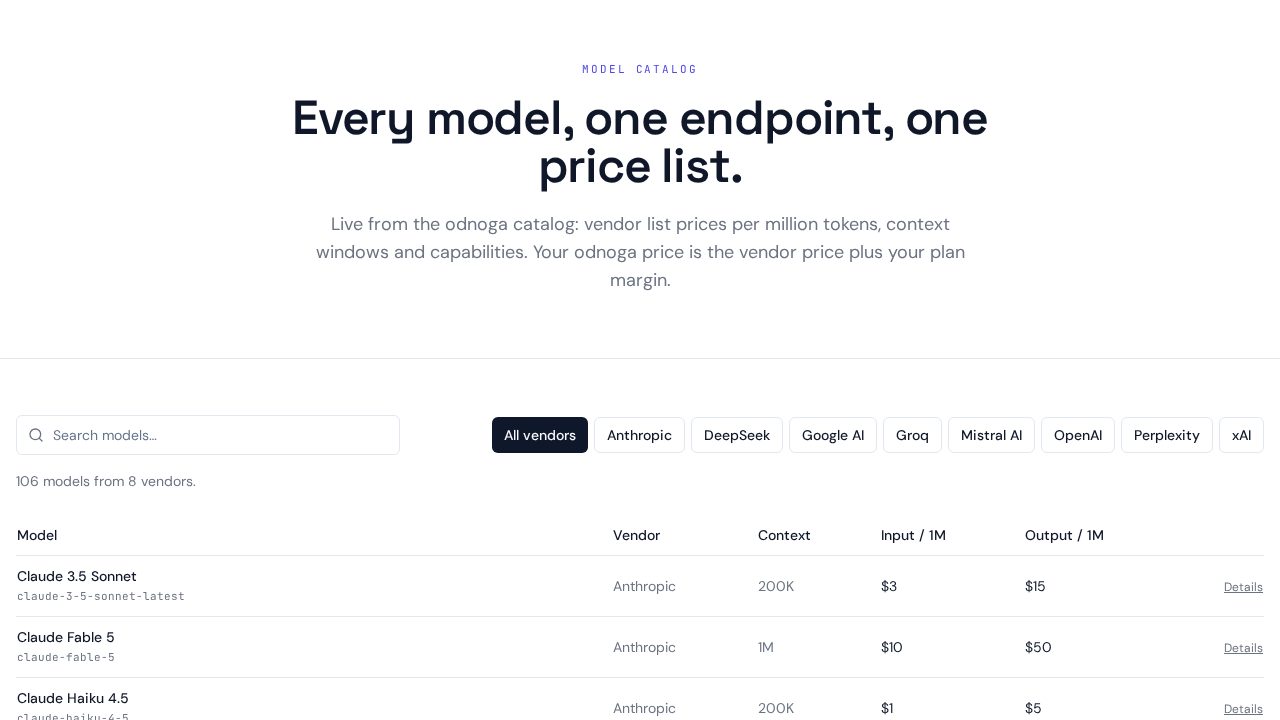
Everything below is served by the running odnoga platform — the same catalog, prices and status you can check yourself right now.
Questions teams ask before switching
Is odnoga just a proxy that adds latency?
It is one extra hop, yes — and it buys you the control plane: metering, budgets, prompt versions, fallback routing and one invoice. For most SaaS workloads the control is worth far more than the hop costs.
Do I pay more per token than going direct?
Your odnoga price is the vendor list price plus your plan margin — the catalog shows the vendor prices openly. What you stop paying for is the metering, billing, tracing and prompt tooling you would otherwise build and maintain.
Can I still use vendor-specific features like prompt caching?
Yes. Vendor prompt caching works through odnoga, and you can additionally enable the deterministic odnoga answer cache per call — two separate caches with separate toggles, TTLs and per-call bypass.
What happens if a vendor goes down or raises prices?
With “auto” routing your requests fall over to another vendor without a code change. Switching a model permanently is a string change, not a migration.
When should I NOT use odnoga?
If you run a hobby project or a single-model app with no per-user billing needs, a direct vendor connection is simpler — one less hop and one less party in the data path. odnoga pays off when you have multiple models, end users to bill, or compliance requirements.
Do you see my prompts and data?
Requests pass through the gateway so they can be metered and routed. Retention, residency and processing details are documented in the DPA, Records of Processing and the security pages — we don’t claim certifications we don’t hold.